
Best Golf Simulator Setup for Beginners
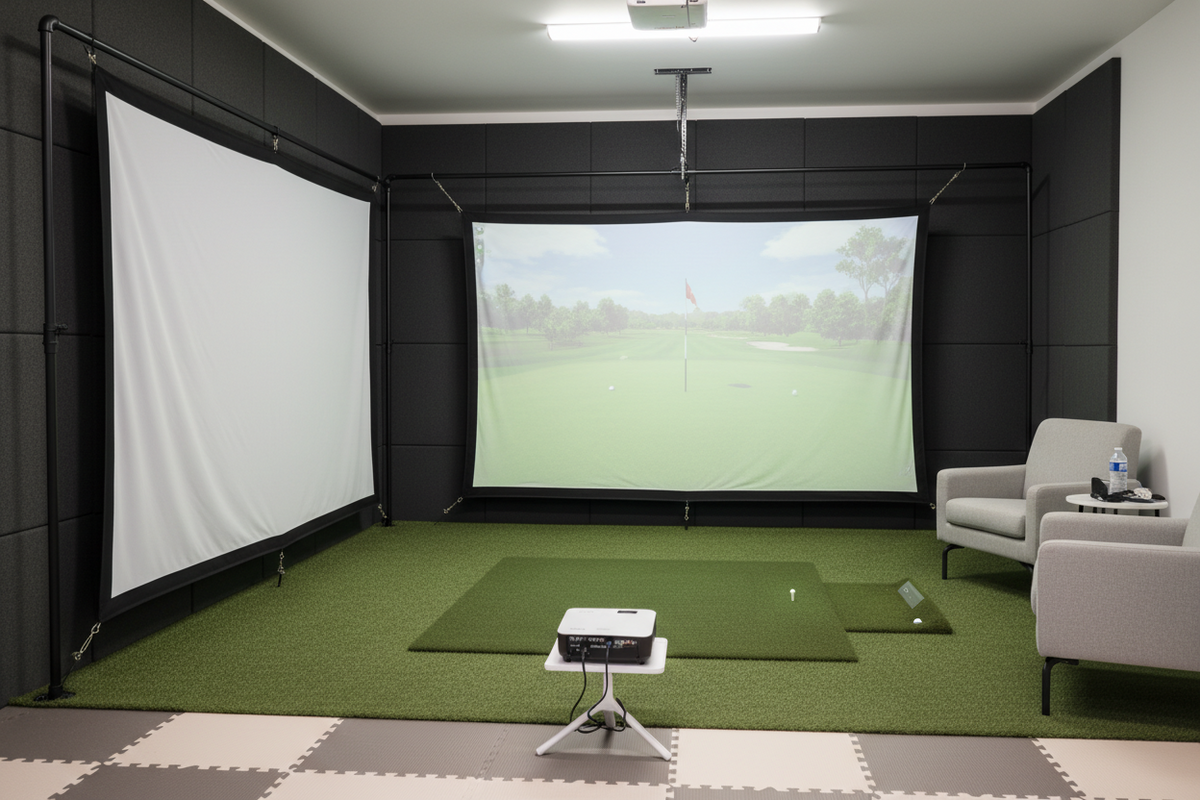
For golfers new to simulators, building a first setup may seem complicated — but it doesn't have to be. Many beginners start with simple systems that still provide a genuinely great indoor golf experience. The key is knowing what you actually need, what you can add later, and what's just nice to have.
What Beginners Need for a Simulator
A beginner golf simulator setup doesn't need to include everything at once. Here are the four essentials that give you a real, working practice setup from day one.
Space Requirements for Beginner Setups
Before purchasing any equipment, measure your available space. This is the single most important step — and the one most beginners skip.
These measurements allow you to swing comfortably while leaving space for your equipment. Tighter spaces are workable — but always measure first before buying anything.
Choosing Beginner-Friendly Equipment
Beginners often start with simpler setups that are easy to install and use. Entry-level launch monitors and compact practice nets are the most popular choices for first-time simulator owners.
Best beginner launch monitors in 2026:
Garmin Approach R10 — $599. Radar-based, phone app-controlled, works indoors and outdoors. The most popular entry-level choice.
Rapsodo MLM2PRO — $699. Radar + camera hybrid, great for outdoor practice and range sessions.
Square Golf Entry Package — $1,500–$2,000. All-in-one bundle with everything you need to get started, including a net and mat.
Upgrading Your Simulator Over Time
One of the best things about starting with a beginner setup is the ability to grow it over time. Most beginners follow this natural upgrade path:
Benefits of a Home Golf Simulator
Even a simple beginner setup delivers real, meaningful advantages for your game.
Build Your Golf Simulator Setup
At GolfSims.com, we help simplify the process of building a golf simulator for beginners and experienced golfers alike. Whether you're starting with a simple setup or planning a full simulator room, we carry launch monitors, screens, enclosures, mats, projectors, and complete simulator packages to help you build your indoor golf experience.
Not sure where to start? Our Simulator Finder quiz matches you to the right beginner setup based on your space and budget — no experience required.
5 questions, 60 seconds, personalized recommendation. No golf simulator experience needed.