
Best Launch Monitor for a Golf Simulator
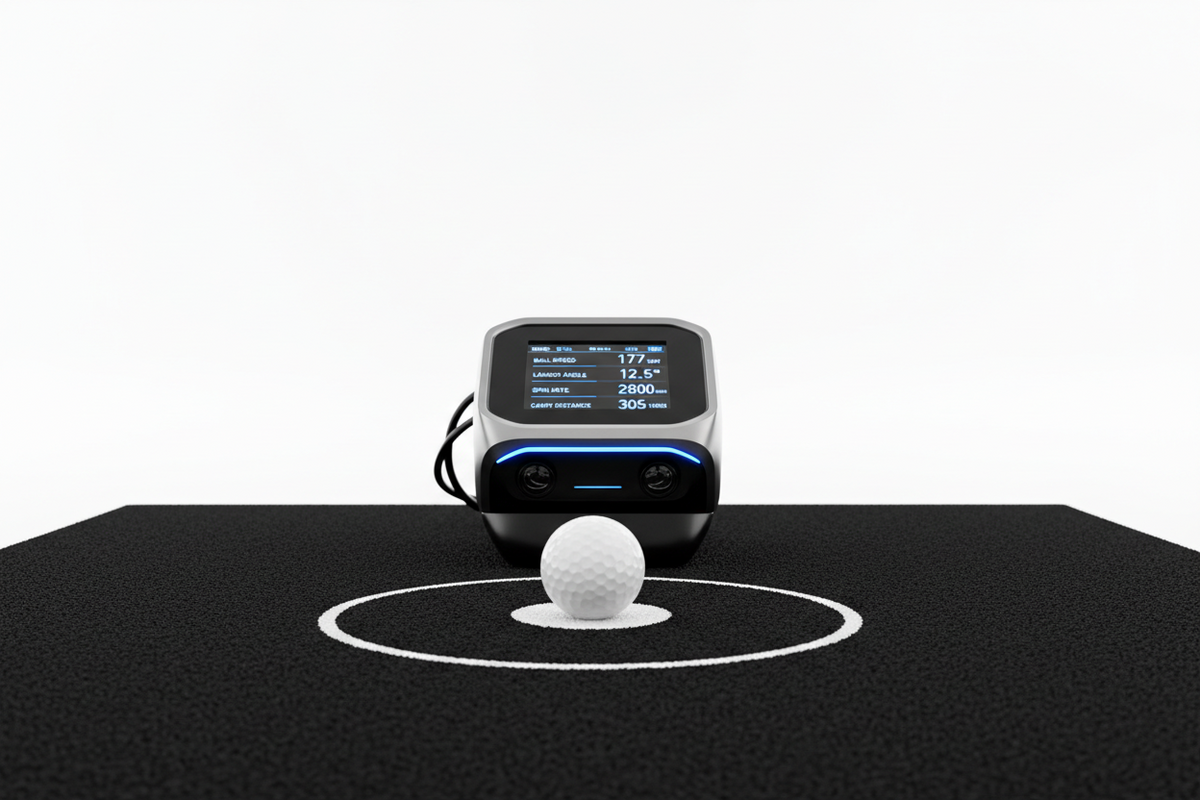
The Best Launch Monitor
for Your Golf Simulator
How to cut through the noise and pick the right one for your space, budget, and goals.
No single piece of equipment will shape your simulator experience more than your launch monitor. It's the brain of the whole setup — measuring what happens at impact and handing that data to your simulator software to recreate the shot on screen. Get this right, and everything else falls into place. Get it wrong, and even a beautiful enclosure with a premium impact screen won't save you.
What a Launch Monitor Actually Measures
When you make contact with the ball, a launch monitor captures a snapshot of that moment and the milliseconds that follow. At minimum, it tracks five core data points:
More advanced units also capture club data — club head speed, face angle, swing path, angle of attack, and dynamic loft. This is what takes you from "that looked like a fade" to understanding exactly why it faded. For most home setups, ball data alone delivers an immersive, accurate experience. Club data matters more if you're also using the monitor for lessons or serious swing analysis.
Radar vs. Camera: What's the Difference?
Most launch monitors fall into one of two categories. Both are capable of excellent results — the right choice depends on your room and priorities.
Doppler Radar
Tracks the ball through the air using radio waves. Placed behind the golfer, it typically needs 8–10+ feet of space to capture enough ball flight data. Excellent for larger rooms and outdoor use.
High-Speed Cameras
Captures thousands of frames per second at impact. Often side-mounted near the hitting zone, making it ideal for tight bays where radar can't get enough data. Great accuracy in short spaces.
Some newer systems combine both technologies to get the benefits of each. When in doubt, check the manufacturer's minimum room requirements — this single factor eliminates a lot of options quickly.
Four Questions to Ask Before You Buy
-
01What's your real budget? Launch monitors range from ~$500 to over $20,000. Most solid home setups land between $2,000–$7,000 for the monitor alone. If you have to choose between a better monitor or a better enclosure, the monitor is almost always the right call.
-
02How much space do you have behind the hitting area? Non-negotiable. Radar monitors need room to track ball flight — often 8 feet or more behind the ball. If you're working with a compact bay, camera-based or hybrid systems are your friends.
-
03Which simulator software do you want to use? Not all monitors work with all software. If you have your heart set on E6 Connect, GSPro, or TGC 2019, start there and work backwards to compatible monitors. Compatibility issues are a common — and very avoidable — headache.
-
04Practice tool or entertainment system? If you plan to use your simulator for lessons or serious swing work, invest in club data. If it's mostly about playing rounds with friends, ball data at a lower price point is perfectly sufficient.
Popular Options at Each Price Point
The market has matured significantly over the past few years, and there are strong options at every tier. Entry-level monitors like the Garmin Approach R10 and Rapsodo MLM2PRO offer surprisingly solid ball data for under $1,000 — a great starting point if you're new to simulators or working with a tight budget.
The mid-range is where most serious home setups live. The FlightScope Mevo+, SkyTrak+, and Bushnell Launch Pro each offer a strong balance of accuracy, software compatibility, and indoor performance — typically ranging from $2,000–$3,500.
At the top end, monitors like the Trackman 4 and Foresight GCQuad are what tour professionals and teaching pros use — tour-level accuracy with premium price tags to match. Unless you're running a commercial facility or a high-end teaching studio, you're likely paying for precision you won't fully utilize.
Not Sure Where to Start?
We built GolfSims.com to be the resource we wished existed when we were figuring this out — straightforward guidance, no upsell pressure.
Browse Simulator Packages →