
Golf Simulator Software Guide
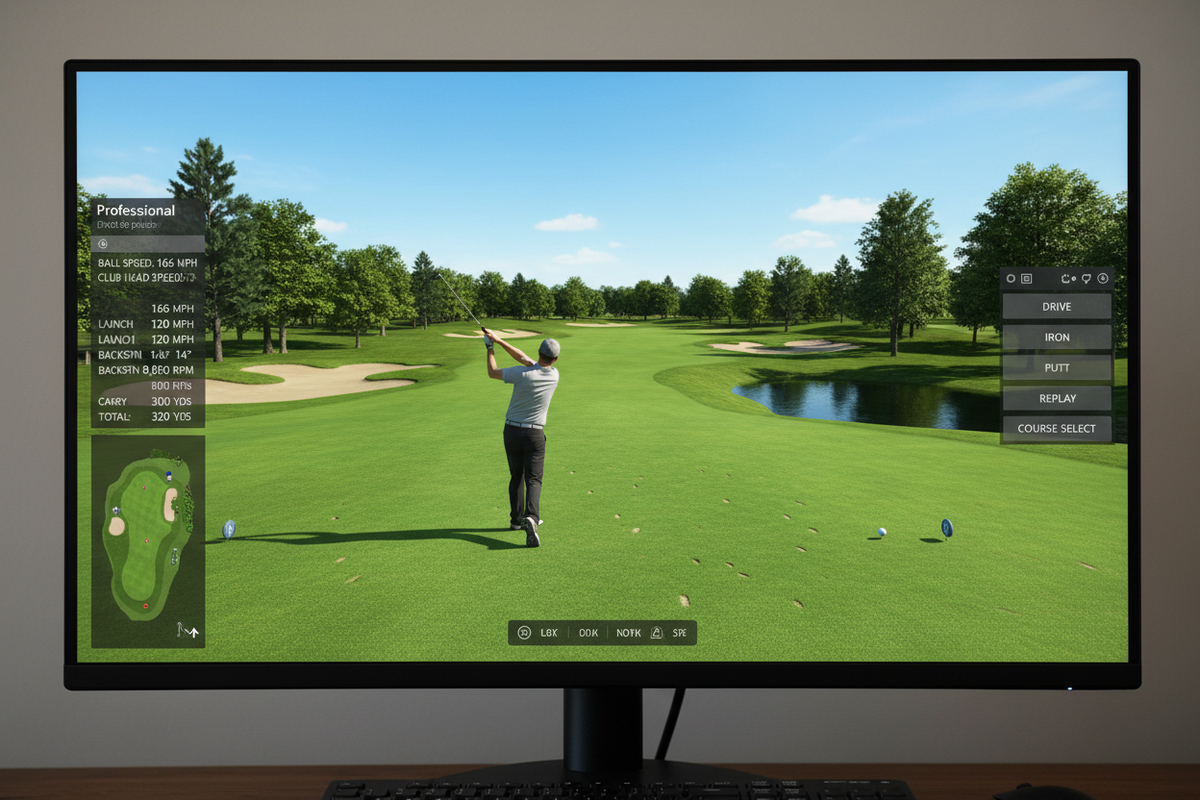
Golf simulator software is what transforms a launch monitor and screen into a full indoor golf experience. The software takes shot data from the launch monitor and recreates ball flight on a virtual golf course — turning raw numbers into something you can actually see and play. Here's everything you need to know to choose the right platform.
What Golf Simulator Software Does
When you hit the ball, the launch monitor captures the data — ball speed, launch angle, spin rate, direction — and sends it to the software instantly. The software calculates how the ball would travel in real life and displays the result on your screen.
The Major Golf Simulator Platforms
Not all simulator software is the same — and not all of it works with every launch monitor. Here's an honest breakdown of the major platforms.
The most widely compatible platform in the industry — works with nearly every major launch monitor. Solid course library with 100+ courses, reliable gameplay, and a clean interface. Not the flashiest, but the most dependable. Think of it as the Honda Civic of sim software.
Beautiful photorealistic courses that feel more like a TV broadcast than a video game. Comes bundled with SkyTrak+ by default. Course library is curated rather than massive — about 20–30 top-tier real-world courses. Great choice for golfers who prioritize visual immersion.
The largest course library of any platform — over 170,000 user-generated courses. If a real course exists, someone has probably built it in TGC2019. Multiplayer is active and well-maintained. The go-to choice for serious sim golfers who want maximum course variety.
The enthusiast's choice. PC-only, highly customizable, and backed by a large and active community constantly adding new courses. If you're the type who enjoys tinkering and getting the most out of your system, GSPro rewards that effort. Not the easiest to set up, but deeply capable.
The industry benchmark for data and practice analytics. Course play is available, but the real value is the range session analysis, club fitting data, and coaching tools. If you're working with an instructor or running a teaching facility, nothing beats Trackman's data ecosystem.
Clean, data-forward software designed for serious practice and lesson analysis. Excellent interface for reviewing club data, visualizing swing paths, and coaching workflows. Pairs naturally with Foresight's GC3 and QuadMAX — the two best teaching monitors on the market.
Software Compatibility — Quick Reference
This is the question we get asked most often — "does this software work with my launch monitor?" Here's a quick guide.
Trackman uses its own proprietary software ecosystem. Always verify compatibility with your specific launch monitor model before purchasing a software subscription.
Choosing the Right Simulator Software
The best simulator software depends entirely on how you plan to use your setup. Here are three simple rules:
Build Your Golf Simulator Setup
At GolfSims.com, we help simplify the process of building a golf simulator. Whether you're looking for launch monitors, impact screens, enclosures, hitting mats, projectors, or complete simulator packages, we carry everything needed to create your indoor golf experience — and we'll make sure your software and hardware are compatible before you spend a dollar.
Take our Simulator Finder quiz and we'll match you to the right launch monitor and software combo for your space and goals.